Remote online notarization lets you get documents notarized via secure video call from anywhere. This step-by-step guide covers how RON works in Utah, the technology you need, and who benefits most.
Remote online notarization, or RON, is transforming how Utahns get documents notarized. Instead of scheduling an in-person visit, you connect with a commissioned notary through a secure video call, verify your identity digitally, and sign your documents electronically, all from your living room, hotel room, or hospital bed.
Utah was among the first states to authorize RON, and the technology has matured significantly. This guide walks you through exactly how the process works, what you need to get started, and who benefits most from remote online notarization services.
What Is Remote Online Notarization?
Remote online notarization is a process where a notary public and a document signer connect through a secure, recorded audio-video session rather than meeting face to face. The notary verifies the signer's identity using credential analysis and knowledge-based authentication, watches the signer apply an electronic signature, and then applies their own electronic notary seal and signature.

The entire session is recorded and archived as required by Utah law, creating a complete audit trail that actually provides stronger evidence of the transaction than a traditional in-person notarization. This recording protects both the signer and the notary in case questions arise later about the validity of the signing.
Step-by-Step RON Process
Here is exactly what happens during a remote online notarization session with NotaryLTD:
- Schedule your session: Contact NotaryLTD by phone (435-565-1333) or through our online form. Let us know what documents you need notarized and when you are available. Same-day RON sessions are often available.
- Receive your session link: We send you a secure link to the RON platform via email. No software installation is required; the platform runs in your web browser.
- Upload your documents: Before the session, you upload the documents that need notarization. The platform prepares them for electronic signature with designated signing fields.
- Verify your identity: When you join the video session, the platform guides you through identity verification. You present your government-issued photo ID on camera, and the system performs credential analysis (checking security features and expiration). You then answer knowledge-based authentication questions generated from public records.
- Join the live video call: Once identity verification passes, you connect with Debbie Cuha via live video. She confirms your identity visually, verifies your willingness to sign, and ensures you understand the documents.
- Sign electronically: You apply your electronic signature to each document using the platform's signing tools. Debbie witnesses each signature in real time on the video call.
- Notary seal applied: After you complete signing, Debbie applies her electronic notary seal and digital signature to complete the notarization.
- Receive your documents: The fully notarized documents are available for immediate download as PDF files. You also receive a confirmation email with copies for your records.
The entire process typically takes 15 to 30 minutes depending on the number and complexity of documents.
Approved RON Platforms in Utah
Utah requires that RON sessions be conducted through technology platforms that meet specific security and record-keeping standards. Approved platforms must provide:
- Identity proofing: Multi-factor identity verification including credential analysis and knowledge-based authentication
- Audio-video recording: Continuous recording of the entire notarization session
- Tamper-evident technology: Electronic seals and signatures that reveal any post-signing alterations
- Secure document storage: Encrypted archives maintained for the period required by Utah law
- Audit trail: Complete logging of all actions taken during the session
NotaryLTD uses platforms that meet or exceed all Utah requirements, ensuring your notarization is legally sound and defensible.
Utah Legal Requirements for RON
Utah's RON framework is governed by the Revised Uniform Law on Notarial Acts (RULONA) as adopted and modified by the state legislature. Key legal requirements include:
- The notary must hold an active Utah notary commission
- The notary must be physically located in Utah during the session (the signer can be anywhere)
- The signer must consent to the electronic notarization process
- Identity verification must include both credential analysis and knowledge-based authentication
- The complete audio-video recording must be retained for a minimum period specified by Utah administrative rules
- The electronic notary seal must conform to Utah format requirements
- The notary must maintain a secure electronic journal of all RON transactions
Documents notarized through RON carry the same legal weight as in-person notarizations and are accepted by Utah courts, the Utah Division of Corporations, county recorders, and financial institutions.
Who Benefits Most from RON
While anyone can use remote online notarization, certain groups find it especially valuable:
- Military personnel: Service members deployed overseas or stationed at distant bases can notarize documents without finding a local notary or waiting for mail-based alternatives
- Expats and travelers: U.S. citizens living or traveling abroad can access Utah notary services without visiting a U.S. embassy or consulate
- Out-of-state property owners: People who own property in Utah but live elsewhere can handle real estate closings and property transfers remotely
- Hospitalized or homebound individuals: Those with mobility limitations or health conditions can complete notarizations from their bed or care facility
- Busy professionals: Executives and professionals who cannot take time away from their schedule for an in-person appointment
- Rural residents: People in remote areas of Utah where the nearest notary may be a considerable drive away
Technology Requirements
Getting set up for a RON session is straightforward. Here is what you need:
- Device: A computer, laptop, tablet, or smartphone with a camera and microphone. A larger screen (laptop or desktop) provides the best experience for reviewing and signing documents.
- Internet connection: A stable broadband connection of at least 5 Mbps upload and download speed. Wired connections are more reliable than Wi-Fi if available.
- Web browser: A current version of Google Chrome, Apple Safari, Microsoft Edge, or Mozilla Firefox. The platform will notify you if your browser needs updating.
- Government-issued photo ID: The same IDs accepted for in-person notarization. Have your ID ready before joining the session.
- Quiet, well-lit environment: The notary needs to see and hear you clearly throughout the session. Reduce background noise and ensure your face is well lit from the front.
No special software, plugins, or apps need to be installed. Everything runs through your web browser. If you have any technical concerns, our team can walk you through a quick test before your session.
RON vs. In-Person Notarization: Which Is Right for You?
Both options produce legally valid notarizations. Your choice depends on your circumstances:
Choose in-person notarization when you are near our Park City office, have a large stack of physical documents, or prefer a traditional face-to-face interaction.
Choose RON when you are out of state or abroad, have limited mobility, need a same-day notarization outside business hours, or simply want the convenience of completing everything from home.
Not sure which is right for your situation? Contact NotaryLTD and we will recommend the best option based on your documents, timeline, and location. Call 435-565-1333 or book online today.
Frequently Asked Questions
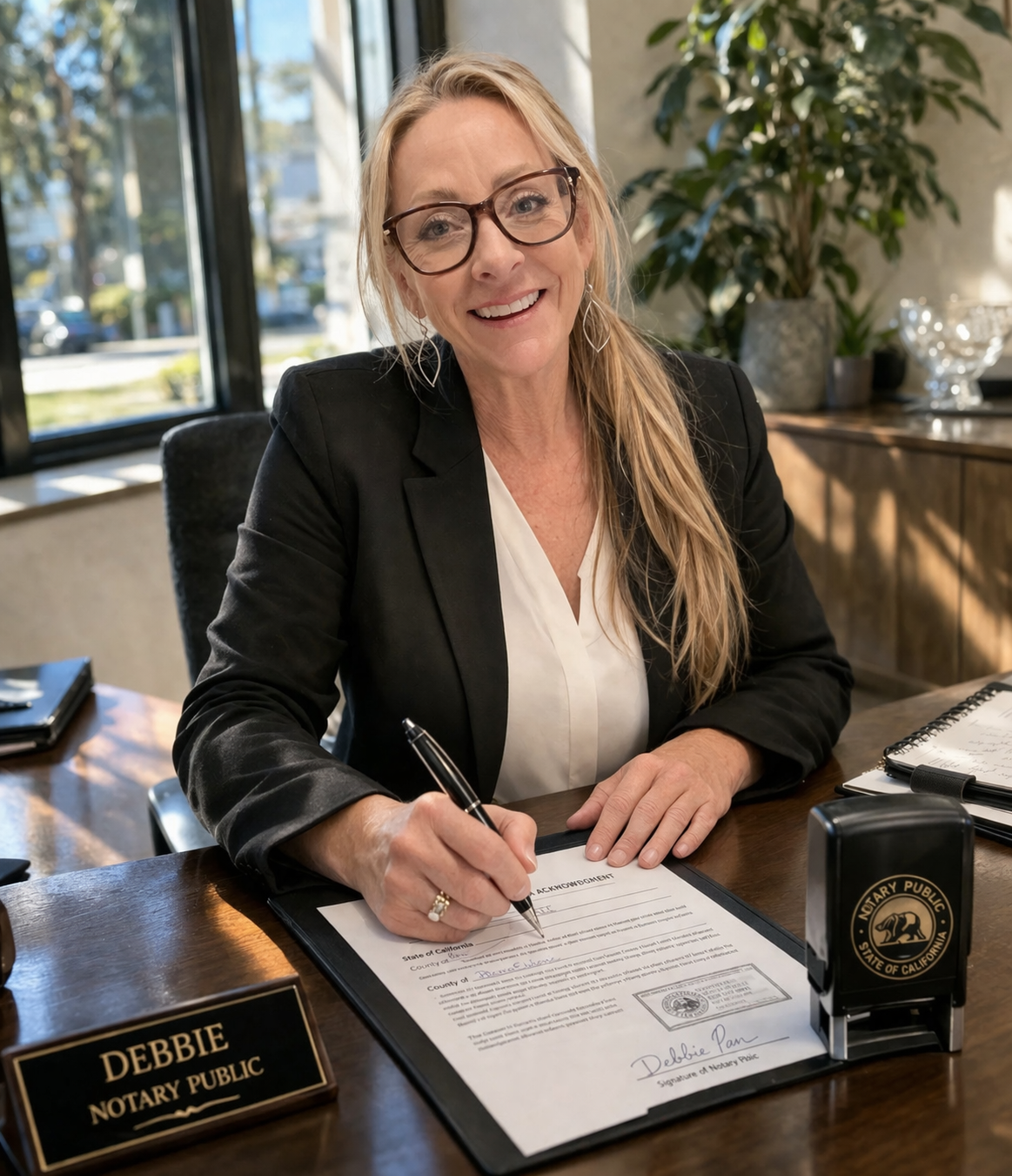
About the Author
Deborah Cuha
Licensed Utah Notary Public (Commission #742886) with 30+ years of experience. NNA Certified Loan Signing Agent and Certified Remote Signing Agent. Based in Park City, serving Summit, Wasatch, and Salt Lake counties.
Read Full Bio →